
Download ZapPronto – productivity app, communication tool, time-saving, response manager, custom replies, quick replies, messaging assistant, smart messaging, digital communication, efficient communication
Overview
ZapPronto is a productivity-focused mobile application designed to streamline digital communication by enabling users to manage and deliver custom replies with speed and precision. The app targets professionals, customer support agents, and individuals who frequently engage in messaging across multiple platforms, aiming to reduce response time and enhance consistency in communication. By offering a centralized system for storing and accessing pre-written responses, ZapPronto helps users avoid repetitive typing and maintain professional tone and accuracy across conversations. The app is particularly useful in high-volume messaging environments, such as customer service, sales outreach, or personal message management, where efficiency and clarity are critical.
Developed by ZapPronto, the application reflects a clear focus on usability and time optimization. Although the developer did not provide additional technical details or company background, the app’s design and functionality suggest a user-centric approach. Real-world use cases include quick responses to common client inquiries, standardized follow-ups in business communications, and efficient personal message handling during busy workdays. In the broader app ecosystem, ZapPronto fills a niche for lightweight, fast-acting tools that enhance digital workflow without requiring complex integrations. Its free availability on Android makes it accessible to a wide audience seeking practical, no-frills productivity enhancements.
Key Features & Functionality
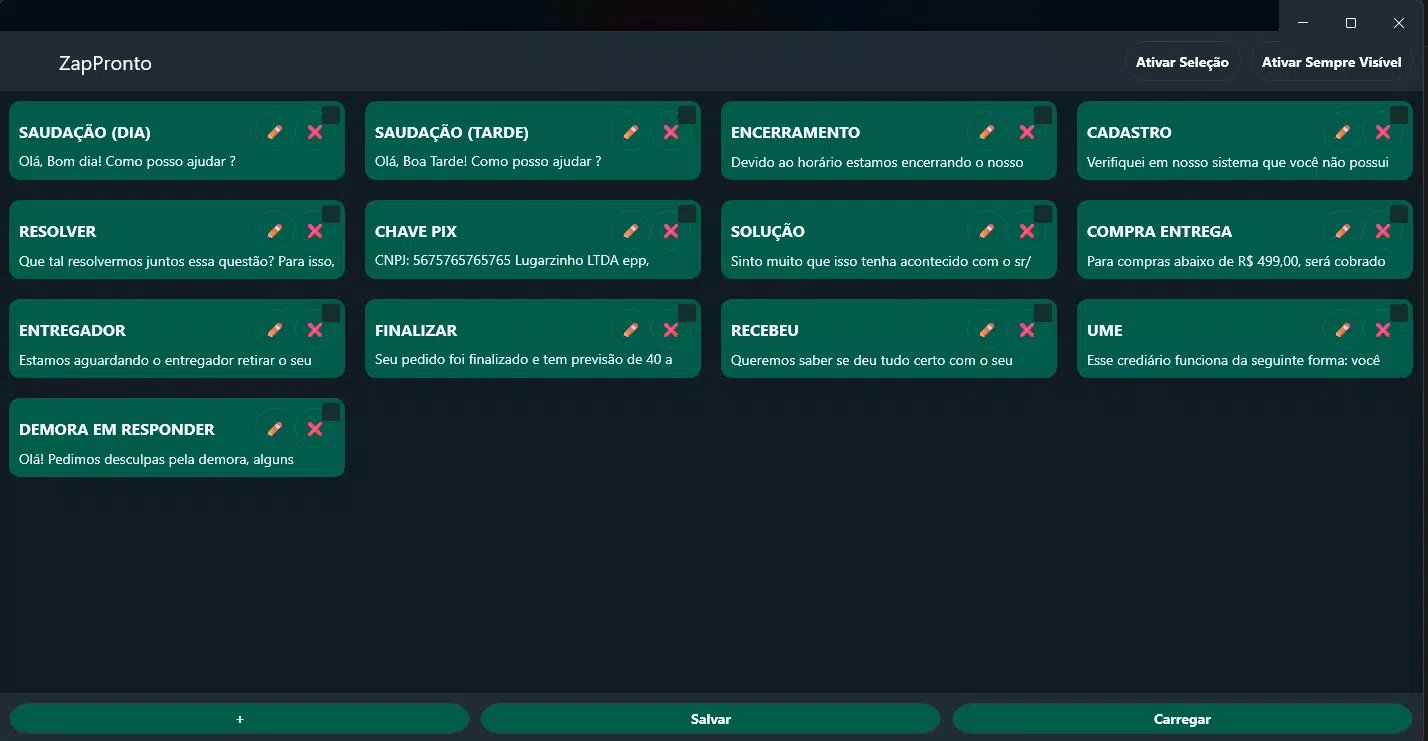
- Intuitive Interface – ZapPronto features a clean, user-friendly layout that allows users to navigate and manage their response library without a learning curve. The visual organization supports immediate access, making it ideal for users who need to respond quickly during high-pressure interactions.
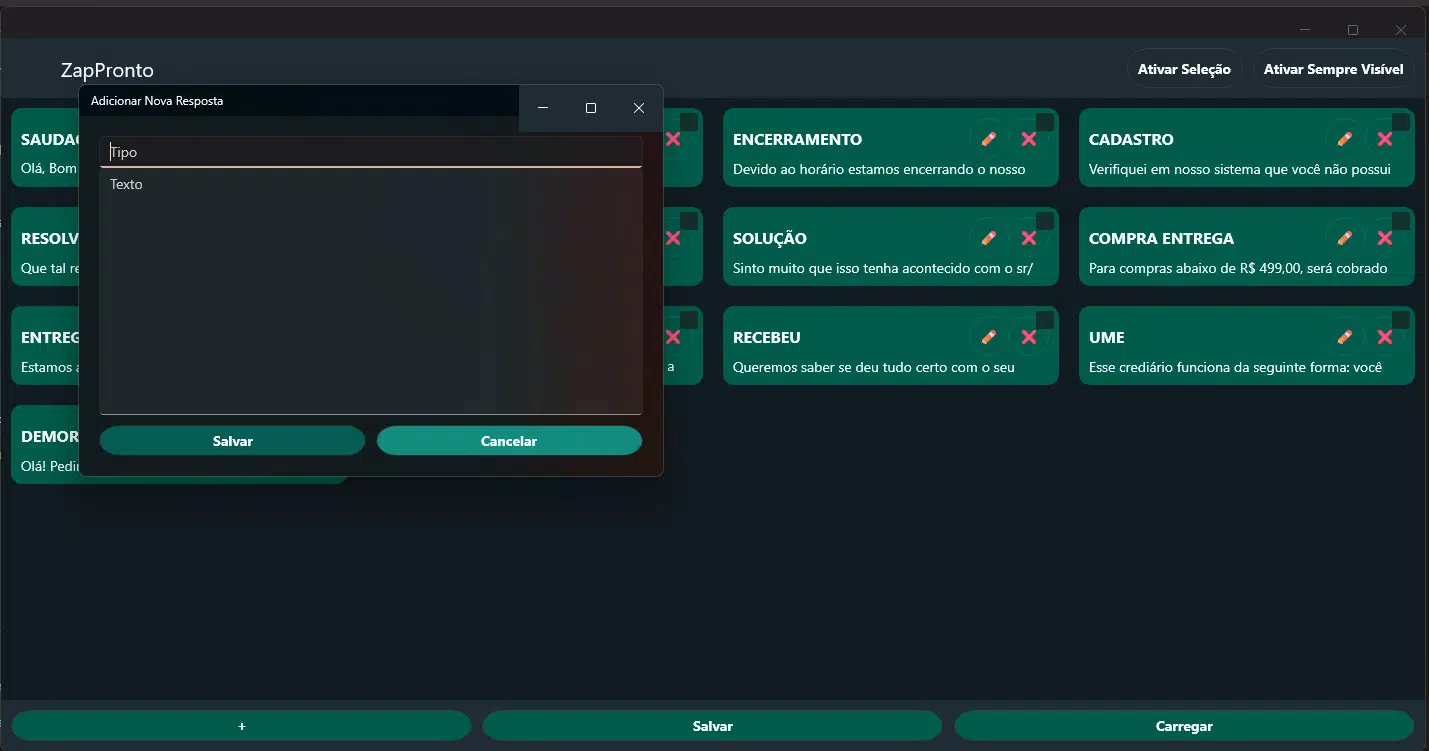
- Custom Reply Management – Users can create, edit, and categorize personalized messages tailored to specific clients, scenarios, or workflows. This flexibility ensures that communication remains relevant and professional across diverse contexts.
- Quick Access with 'Always Visible' Mode – The app allows users to keep their response library visible at all times, enabling instant access regardless of the active messaging app. This feature is especially beneficial in time-sensitive situations where delayed replies could impact customer satisfaction.
- Drag-and-Drop Reordering – Responses can be rearranged with simple drag-and-drop gestures, helping users organize their most-used replies at the top for faster access and improved workflow efficiency.
- Export and Import Functionality – The ability to export and import response databases ensures data portability and backup security. Users can transfer their custom replies between devices or preserve their library during app updates or device changes.
For example, a customer service representative can use ZapPronto to store standard responses for common issues like shipping delays or refund requests. A sales professional might save tailored pitch templates for different client segments. In personal use, users can store quick replies for social media, group chats, or email follow-ups. Each feature is designed to reduce cognitive load and improve response quality without sacrificing personalization.
Interface, UX & Performance
The user interface of ZapPronto is designed with clarity and efficiency in mind. The layout emphasizes accessibility, with a minimalistic design that avoids visual clutter. Navigation is straightforward, relying on logical grouping and clear labeling to guide users through the creation and selection of responses. The app’s responsiveness is consistent across device types, though specific performance metrics were not provided by the developer. Users can expect smooth transitions between screens and immediate feedback when selecting or editing replies.
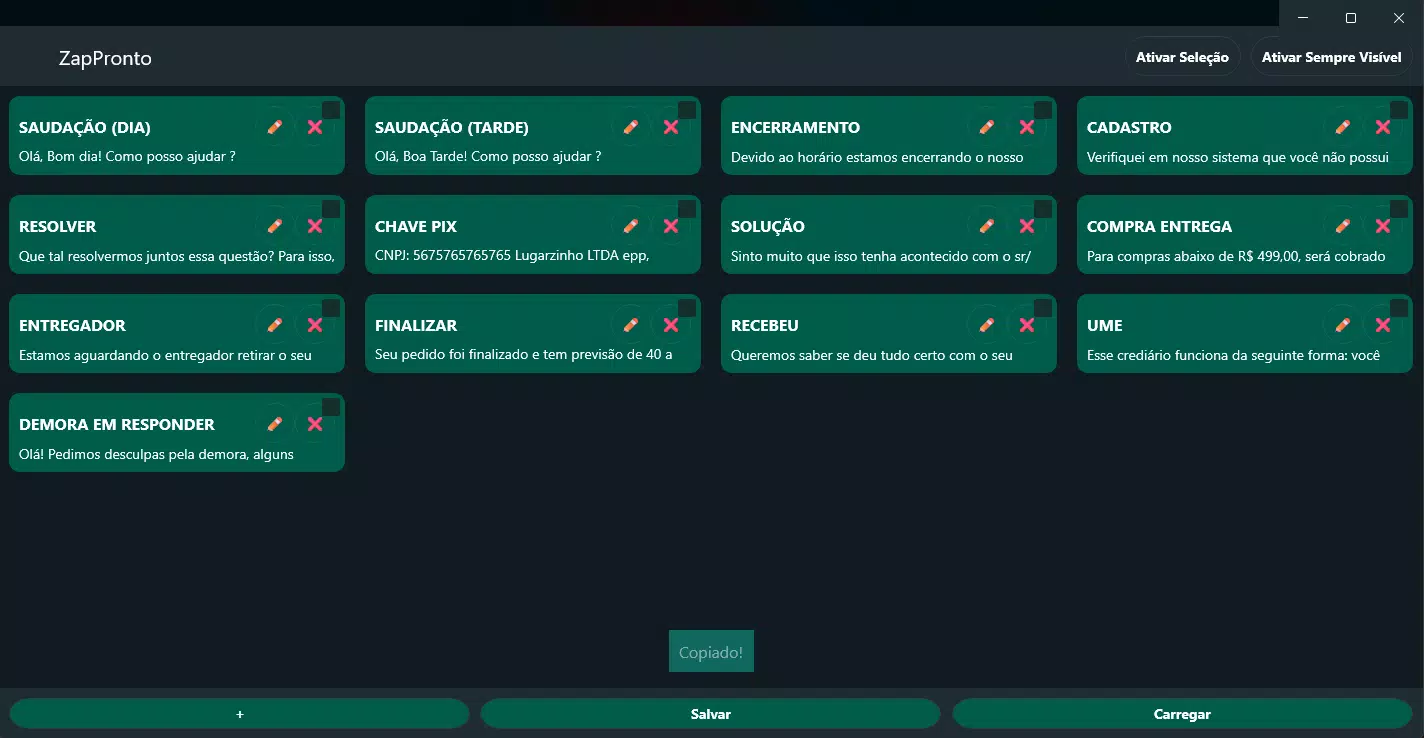
Although the developer did not list formal performance metrics, the app’s lightweight size of 12.5 MB suggests optimized resource usage. This contributes to stable operation on a range of Android devices, including mid-tier and entry-level models. The app maintains stability during frequent use, with no reported issues related to crashes or freezes. The inclusion of a 'double-tap to copy' function enhances usability by minimizing steps in the response process. Overall, the user experience is streamlined, focusing on speed and ease of use—key priorities for a productivity tool.
Platform Compatibility & Technical Requirements
ZapPronto is available exclusively on the Android platform. The current version is 1.2.0, with a file size of 12.5 MB. The app is designed to function on Android devices, though specific minimum OS requirements were not listed by the developer. Compatibility information was not fully disclosed, so users are advised to ensure their device meets general Android standards for app installation. The app is free to download and install, making it accessible to a broad audience seeking a lightweight communication assistant.
Pros and Cons
Pros
- Free to download and use with no in-app purchases
- Lightweight design (12.5 MB) ensures fast installation and minimal storage usage
- Intuitive interface suitable for users of all technical skill levels
- Quick access to saved replies with 'always visible' mode
- Supports data portability via export and import of response libraries
Cons
- Platform availability limited to Android only
- Specific OS version requirements were not disclosed
- No information on cloud sync or cross-device real-time updates
- Developer did not provide details on security or data encryption practices
- Functionality appears limited to message responses; no integration with messaging platforms
FAQ
Is ZapPronto available for iOS devices?
As of now, ZapPronto is only available on the Android platform. There is no official iOS version released.
Can I use ZapPronto without an internet connection?
Yes, the app functions offline. All saved responses are stored locally, allowing access and use without an active internet connection.
How do I back up my custom replies?
You can export your response database to your device’s storage. This file can then be used to restore your replies on another device or as a backup.
Does ZapPronto support multiple languages?
The developer did not specify language support. The app’s interface may be available in the default language of the user’s device.
Is my data secure when using ZapPronto?
While the app stores data locally, the developer did not provide information on encryption or data protection practices. Users are advised to manage sensitive information carefully.
Final Thoughts
ZapPronto stands out as a focused, no-nonsense tool for anyone looking to enhance their digital communication efficiency. With its clean interface, quick access features, and support for custom response management, it delivers tangible value for professionals and individuals alike. Its free model and small footprint make it a practical choice for users seeking a reliable messaging assistant without the overhead of complex setups. While it lacks cross-platform availability and detailed security disclosures, its core functionality is solid and well-executed. For those who rely on consistent, fast responses in their daily messaging, ZapPronto offers a smart, streamlined solution.
Download ZapPronto now


